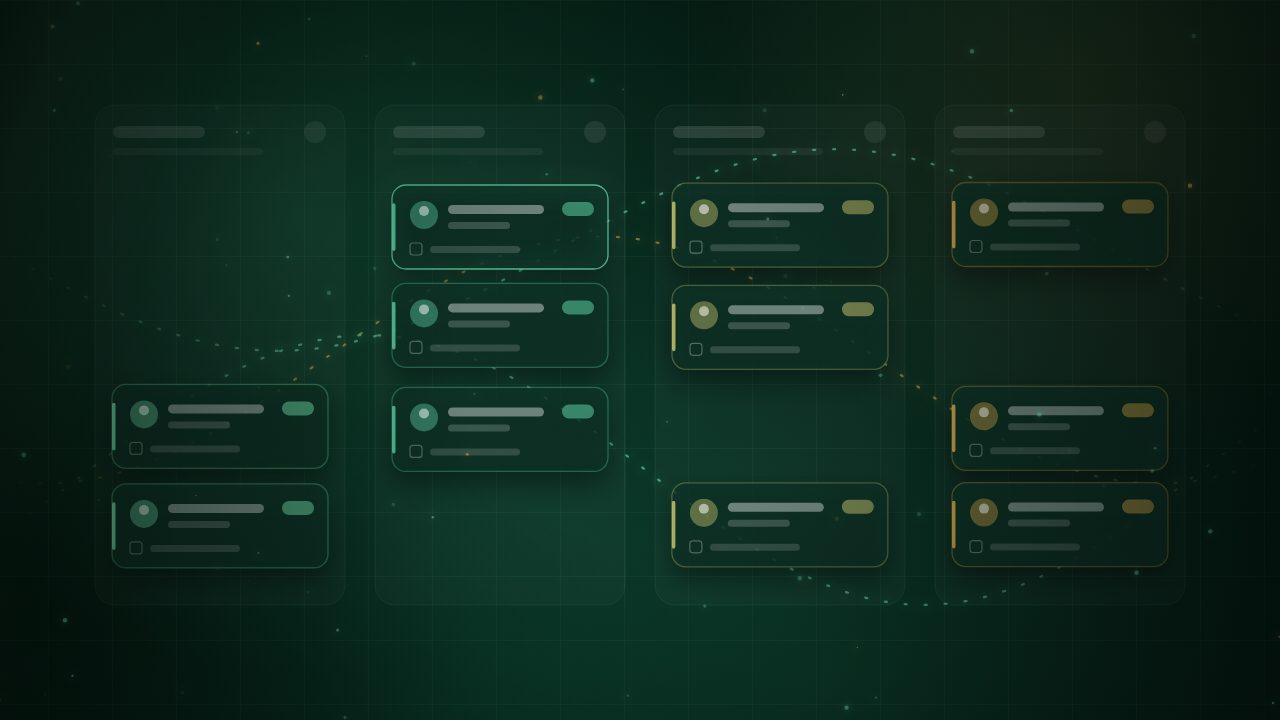
Currently shaping CRM pipelines
Digital systems thatmake every next step obvious.
I'm Emmanuel Ayomide, a digital systems and operations specialist. For five years I have turned scattered leads, loose processes and manual follow-ups into CRM pipelines, automations and client portals that teams run with confidence.
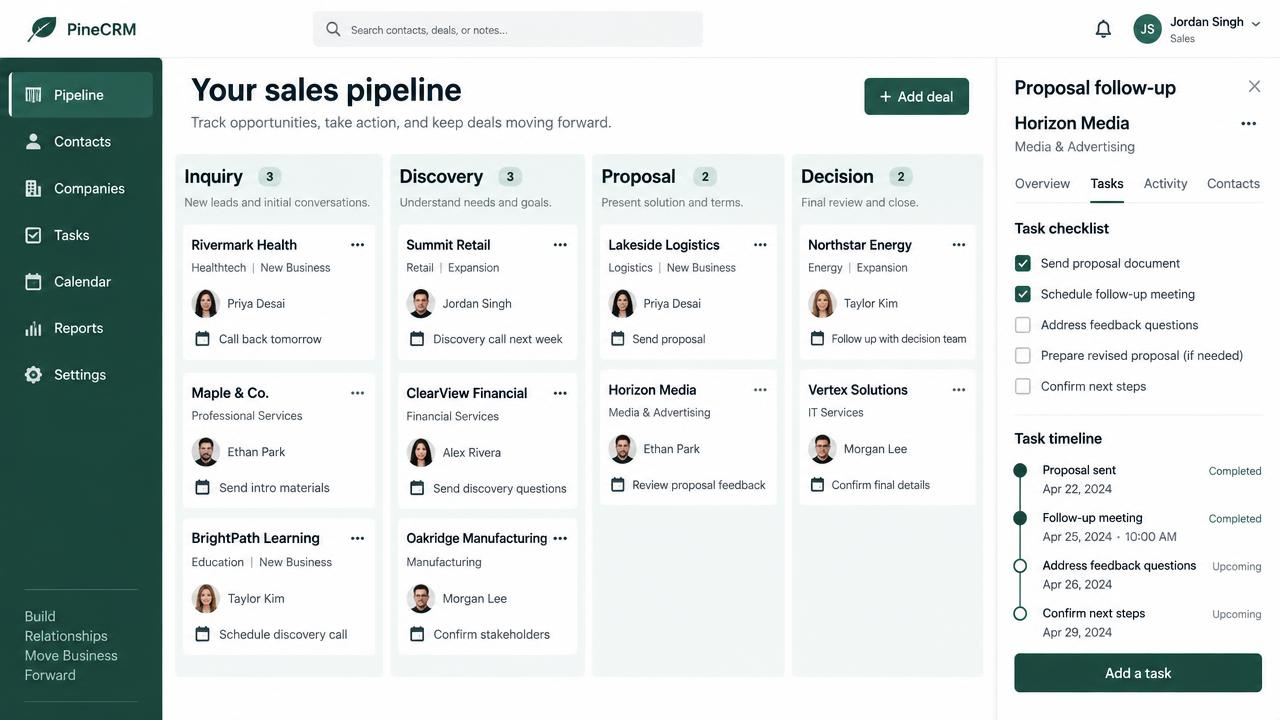
PineCRM sales pipeline
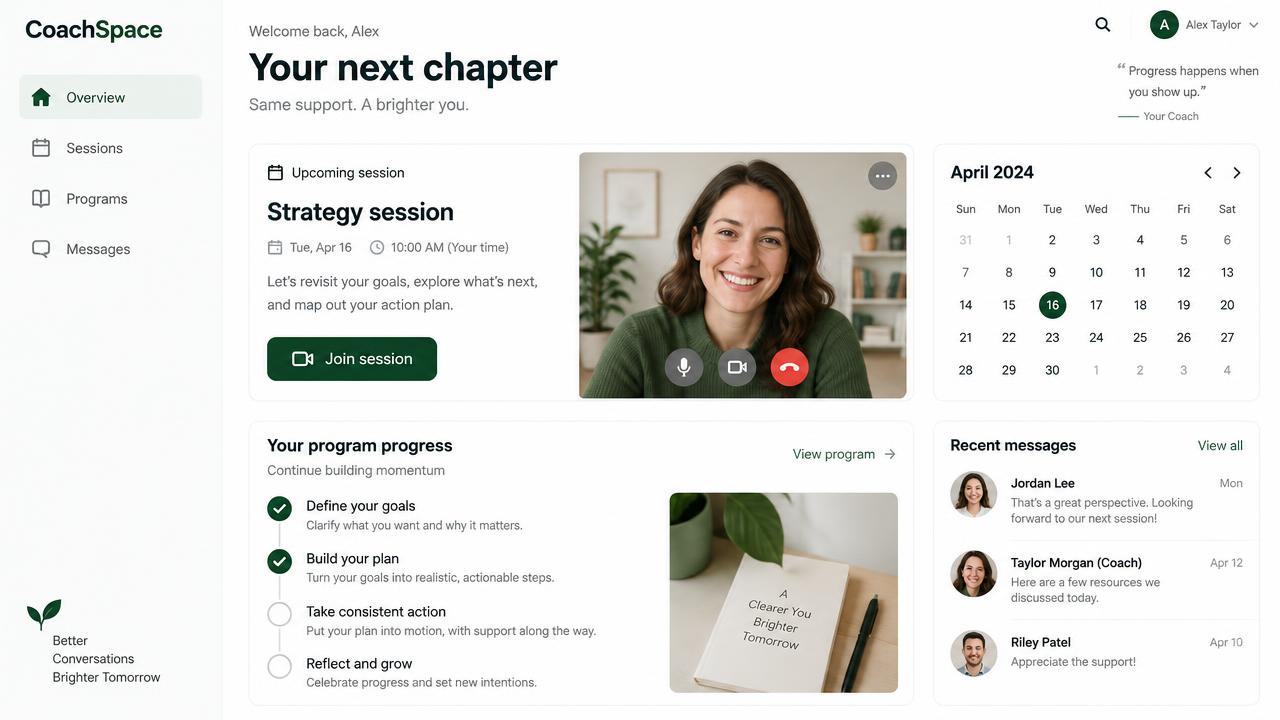
CoachSpace client portal
42% email open rate
+ 22% repeat purchases
98+ PageSpeed score
Workflow design CRM operations Lead routing Task automation GoHighLevel MailerLite Webflow API integrations AI-assisted workflows Process mapping Systems documentation Reporting
Workflow design CRM operations Lead routing Task automation GoHighLevel MailerLite Webflow API integrations AI-assisted workflows Process mapping Systems documentation Reporting
Two ways I help teams run on clear systems
Both start with how your business really qualifies, delivers and follows up. Then the system gets built around that, not the other way round.
Consultants, agencies and sales teams
Custom Sales Pipeline & CRM Systems
Replace scattered contacts and unclear next steps with a CRM pipeline built around how your business qualifies, proposes, follows up, and closes.
Clear ownership of every opportunity Stage-specific tasks and reminders Visibility into stalled deals Custom CRM Pipelines Lead Routing Task Automation
Coaches and program creators
Coaching App & Client Portal Development
Give clients one calm place for sessions, programs, messages and progress, so coaching feels like a premium experience instead of a pile of links and emails.
One home for sessions, programs and messages Visible program progress for every client Fewer scheduling back-and-forths Client Portals Session Scheduling Progress Tracking
Every skill comes with a job I have already done
Each capability links to a real project, the result it produced and a visual of how it worked.
Recent projects
A few of the builds behind those numbers. Each opens as a short case study.
How a build runs
The same six steps whether it is a pipeline, a portal or a nurture sequence. Each one leaves something your team can use.
1 Map Follow the real journey: lifecycle stages, touchpoints and who owns each handoff.
2 Design Set triggers, conditions, branches, timing and exit paths before anything is built.
3 Build Configure the pipeline, automations and integrations with data quality in mind.
4 Test Run scenarios and compare expected with actual behaviour, edge cases included.
5 Document Hand over process maps, acceptance criteria and change notes your team can follow.
6 Optimize Review the numbers, find the drop-off and adjust what the data points to.
Have a pipeline that has lost its way? Let's map it. Tell me where leads stall, what is still manual and who owns what. We will turn it into a system your team can run.
Start a project